
Visit completed
The recall clock starts the moment the appointment wraps up.
Every unfollowed-up patient is a patient you're slowly losing. Dentobees Dental Recall Software flags overdue and inactive patients, keeps unfinished treatments from going cold and replaces guesswork with a system your staff can run.
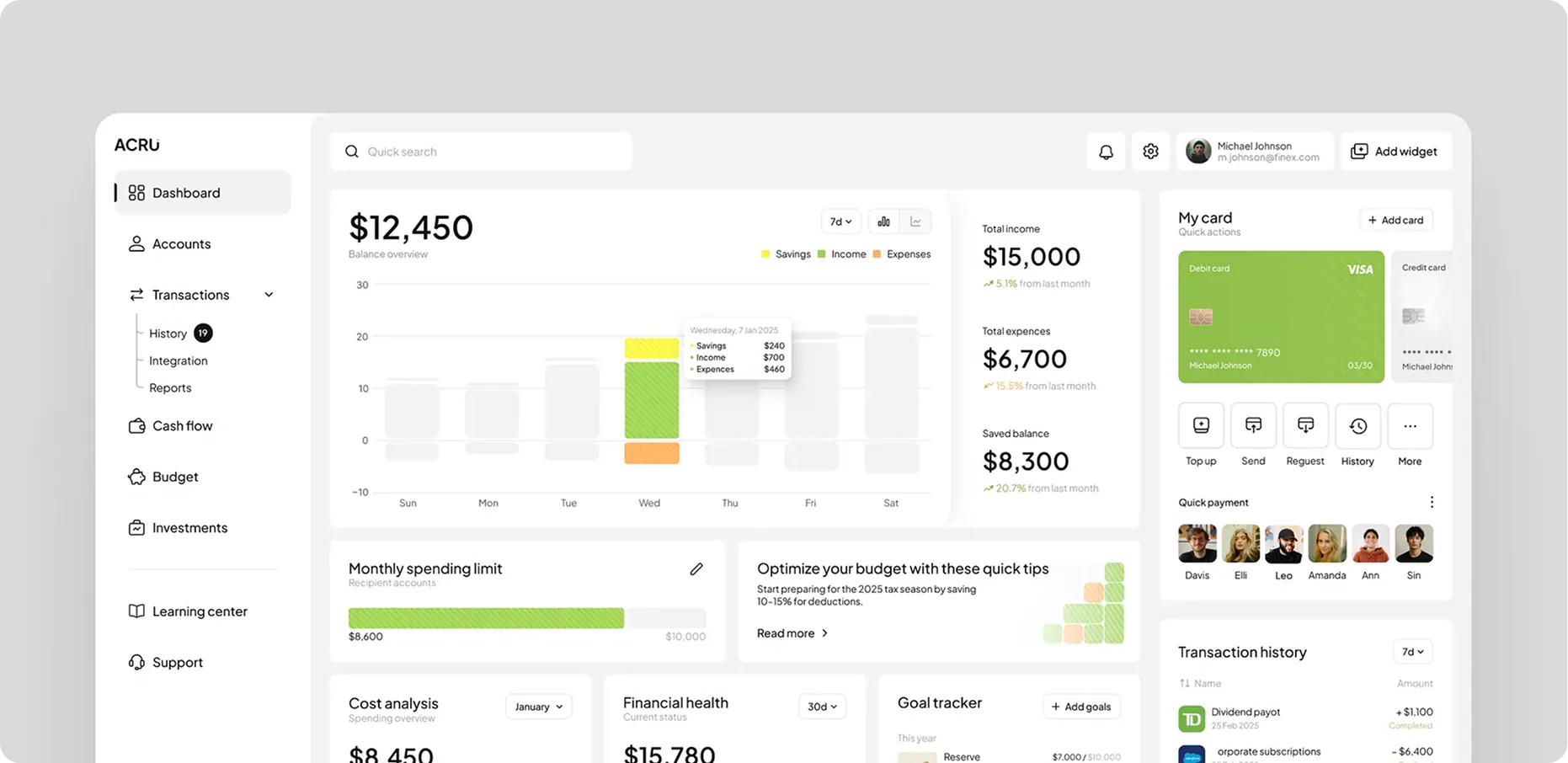 Recall DashboardRecall Workflow

Recall management here isn't a bolt-on reminder tool — it's built into the same records, appointments and communication channels your clinic already uses. No separate login, no separate list, no separate habit to build.
Due, overdue and treatment-incomplete patients surface on their own, no memory required.
Status is visible instantly, not buried in a register.
No spreadsheet running in parallel with the clinic system.
Recall history lives with the rest of their file, not off to the side.
Patient retention becomes something you can see, not something you assume.
Clinics without a structured recall process tend to run into the same set of problems, month after month:
Patients miss routine visits and nobody notices until the gap is too wide to close easily.
Inactive patients sit quietly in the database instead of getting pulled back into care.
Treatment plans stall mid-decision, with no one clearly responsible for the follow-up.
Recall lists live in someone's head, or a notebook or a spreadsheet nobody else opens.
There's no way to tell which follow-up efforts are actually bringing patients back.
Every branch runs recall differently, so results vary by location instead of by patient.
Every due or overdue patient, with a status that updates as they move through the workflow — not a static list someone has to remember to check.
Unfinished plans stay visible until there's a decision — accepted, declined, or rescheduled — instead of going quiet after the first conversation.
A defined path back to active care for dormant patients, instead of a list that just gets longer.
So outreach speaks to the right patient about the right thing, not a generic nudge to everyone.
Both staff and patients stay in the loop as status changes, so no one has to go looking for updates.
Real numbers on what's working, not a sense that "recall is happening."
The recall clock starts the moment the appointment wraps up.
Timing follows the treatment type and your clinic's recall intervals.
Due and overdue patients land in the queue with no manual list-building.
Recall, reactivation, or treatment follow-up, based on why they're in the queue.
Staff are notified and communication goes out.
They're back in active treatment.
The outcome is logged against their record.
Recall, CRM, Smart Reminders and WhatsApp overlap in what they touch. Here's how each stays in its lane:
Keep it this specific and nothing gets duplicated: recall decides who, Smart Reminders decides when, WhatsApp handles how it reaches them.
Recall no longer depends on someone remembering to check a list.
Pending decisions stay owned by someone, instead of fading after one conversation.
Inactive doesn't mean gone, it means "not yet reactivated.".
Not a different process at each location.
Conversion and reactivation rates replace assumptions.
This is what an effective patient recall workflow is meant to do: not just remind patients, but keep the entire recall-to-rebooking loop visible and accountable.
It's the part of Dentobees that identifies patients due for a routine visit, tracks overdue and inactive patients and manages follow-up on unfinished treatment plans — so recall doesn't ride on staff memory or a side spreadsheet.
Because patients who miss a visit or leave a treatment plan unfinished rarely flag it themselves. A dedicated system catches them before they become a lost patient, not after.
Recall decides who needs follow-up — due, overdue, or treatment-incomplete. Smart Reminders decides when that message actually goes out.
They work together but aren't the same job. Recall identifies and manages patients who need follow-up right now. CRM manages long-term patient relationships, referrals, growth campaigns and engagement over time. Recall status feeds into CRM; CRM doesn't run recall itself.
Yes. Recall campaigns can be triggered by due dates and recall status, not by a staff member remembering to start one.
Yes. Reactivation campaigns find them and bring them back into active care with targeted outreach.
Yes. Plans stay visible until there's a decision, instead of going cold after the first conversation.
Yes. Through WhatsApp Integration, patients receive recall communication on the channel they already use.
Yes, for both staff and patients, as status changes — no one has to check manually.
Yes — by treatment type, last visit, recall status, or patient group, so outreach stays relevant instead of generic.
Yes. Reporting covers success rate, reactivation performance, and retention metrics — what's actually bringing patients back.
Yes. One workflow standard applies across every branch instead of each one improvising its own.
Yes. Your current lists and processes don't need to be rebuilt from scratch. The Dentobees team can help move them across.

Identify overdue patients, reactivate inactive ones, close out unfinished treatment and keep every patient relationship active with Dentobees Dental Recall Software.