
Patient Visit
The chart opens on the patient's connected record, with previous findings already in view.
Give every patient a clinical record that follows them, not one that resets each visit. Record tooth conditions, restorations, periodontal findings and treatment history on an interactive dental chart, connected automatically to patient records, treatment planning and billing.
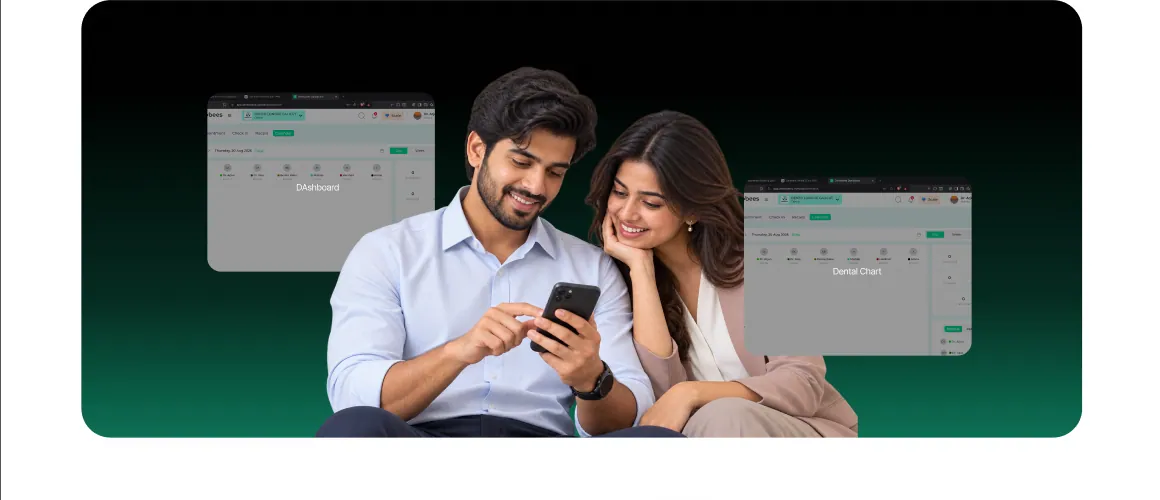
Dental Charting Software doesn't work alone — it's one piece of the same connected system that runs your entire clinic.
Findings recorded at the chair sit in the patient's permanent record without a second entry.
Chart findings feed straight into the treatment plan, without re-entering anything.
Completed treatments move into invoicing as soon as they're logged.
Prescribe against the same record you just charted, no switching screens.
X-rays and scans sit alongside the tooth they belong to.
Chart data shows up in clinic-wide reporting without a separate export.
Dental Charting Software in Dentobees keeps the patient's clinical history connected as care progresses. Digital Dental Charting brings findings, restorations, treatments and clinical notes together in one organized patient record, helping dentists maintain continuity of care across every visit.
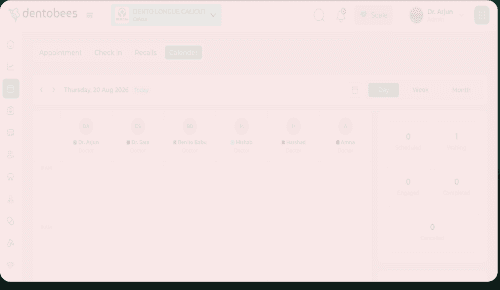
View previous findings, restorations, treatments and clinical notes in one connected record.
Without a proper dental chart software, the same friction repeats every week:
Patient reviews take longer because previous findings have to be dug up from paper first.
Handoffs between clinicians get harder when each one's notes are hard to read or incomplete.
Historical context goes missing between appointments — no visual record of what's been done to a tooth.
Records stay fragmented, with findings scattered across multiple pages instead of one patient view.
Documentation gets repeated by hand, eating into chairside time that should go to the patient.
Everything you need for digital dental charting, in one connected chart. From the first finding to the final treatment note, every detail stays organized, searchable and tied to the right tooth, so your team spends less time hunting for information and more time with the patient.
A visual, clickable tooth chart that helps dentists record tooth conditions, restorations, treatments and clinical findings in an organized way.
Track fillings, crowns, bridges, implants, root canals and missing teeth against each tooth.
Record periodontal findings alongside restorative charting.
Log planned, ongoing and completed treatments directly against the tooth they belong to.
Notes linked to each tooth and treatment, so context is never lost between visits.
A clinical history that builds itself automatically as the patient is treated — no manual log-keeping.
The chart opens on the patient's connected record, with previous findings already in view.
The dentist picks the tooth on the interactive odontogram.
Conditions, restorations, treatments and clinical notes are logged against that tooth.
What's charted becomes part of the patient's treatment history, with no manual log-keeping.
The chart is the reference point at the next visit, for you or whichever clinician sees the patient next.
What you chart today becomes the reference point at the next visit — for you or for whichever clinician sees the patient next.
Record findings directly on the chart during the visit, instead of writing notes up separately afterward.
Structured, tooth-by-tooth entry leaves less room for the mistakes that creep into handwritten notes.
Every clinician sees the same up-to-date chart, so care picks up exactly where it left off.
Restorations, findings and treatments laid out on one screen instead of scattered across pages.
Time that used to go into re-writing notes after the fact goes back into the chair.
Multiple dentists can view and update the same chart without conflicting notes.
A full, accurate history in front of you means decisions are based on what happened, not memory.
Dental Charting Software doesn't work alone — it's one piece of the same connected system that runs your entire clinic.
Dental Charting helps dentists digitally record tooth conditions, restorations, treatments and clinical notes on an interactive dental chart. Dentobees connects these records with patient history, treatment planning, billing and other clinical workflows.
A digital odontogram is an interactive visual tooth chart that allows dentists to record tooth conditions, restorations, treatments and clinical findings digitally. It makes dental charting easier to update, review and manage.
Dentobees provides an interactive digital odontogram that allows dentists to record tooth conditions, treatments, restorations and clinical findings using the tooth numbering system configured for their clinic. This helps your team maintain consistent and organized dental charts across patient records.
Yes. Dentobees lets you record planned, ongoing and completed treatments directly against the relevant tooth, helping maintain an organized treatment history.
Yes. Clinical documentation recorded through the chart contributes to the patient's treatment history, helping maintain a continuous record as care progresses.
Yes. Dentobees includes periodontal charting, allowing dentists to record periodontal findings alongside restorative and other clinical charting.
Yes. Multiple dentists can view and update the same patient chart, helping your team maintain consistent and up-to-date clinical information.
Existing patient chart migration may be possible depending on your current data and format. Contact the Dentobees team to discuss your migration requirements.
Training and onboarding support may be available to help your team get started with Dentobees Dental Charting Software. Contact the Dentobees team for details about the available training options.
Yes. Book a free demo to see how Dentobees Dental Charting Software can help your team document treatments faster and keep clinical records connected.

See how Dentobees Dental Charting Software helps dentists document treatments faster, maintain complete patient records and improve continuity of care with connected digital charting.