
Patient registers
A secure portal account is created and linked to their clinic record.
Patients shouldn't have to call in just to check an appointment or ask for a prescription again. The Dentobees Dental Patient Portal gives them secure, anytime access to appointments, treatment details, prescriptions, documents and payments — cutting the routine calls that eat into your front desk's day.
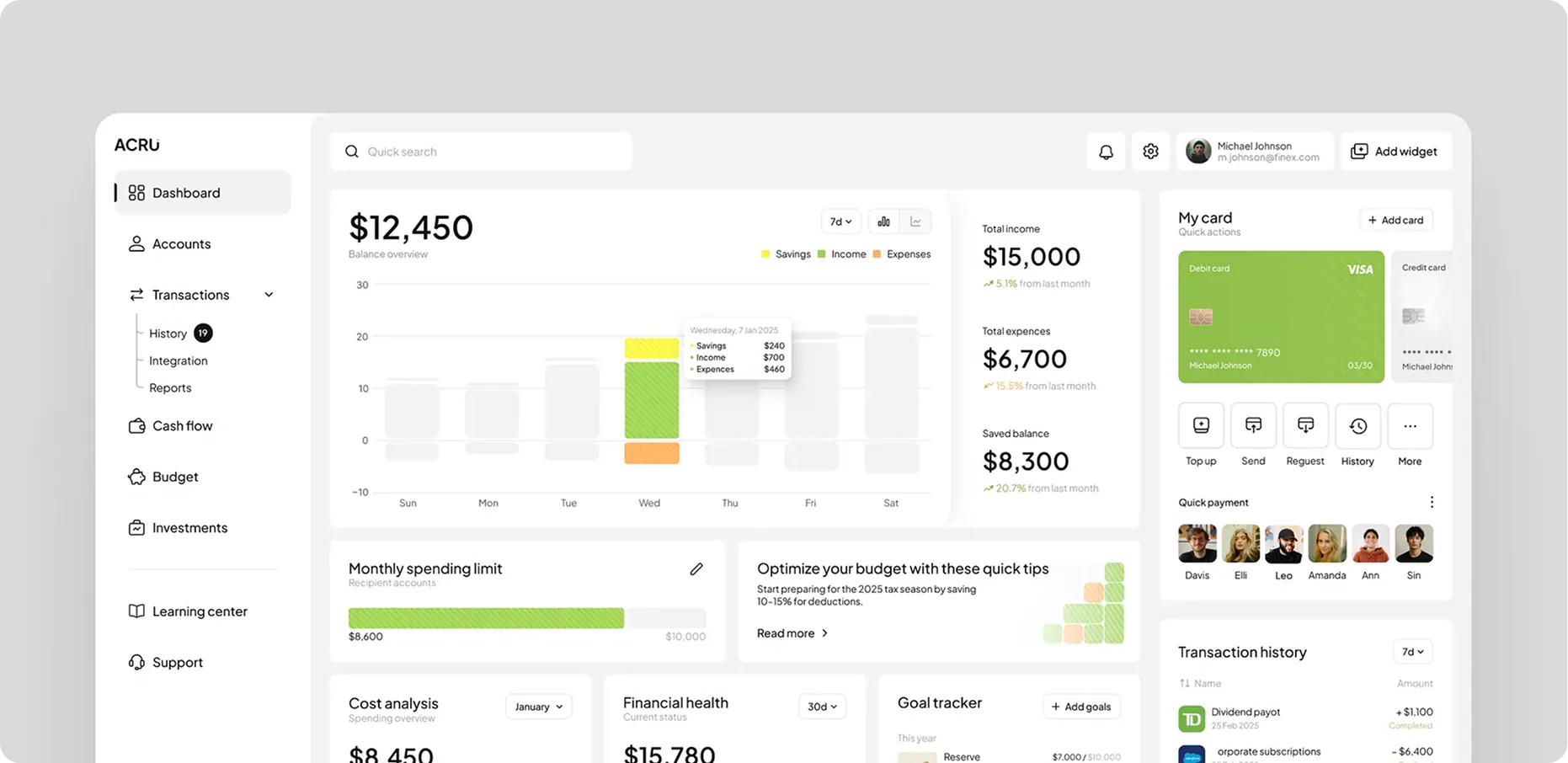 Portal UI

The Patient Portal is the patient-facing side of Dentobees. Your team manages operations on one side; patients get their own secure window into that same data on the other — no separate app to maintain, no information that's out of sync with what your clinic sees. Built directly into Dentobees, it draws its information from records your clinic already keeps — nothing is entered twice.
Dentobees Dental Practice Management Software is where the work happens — scheduling, records, billing, recall and treatment planning are all managed there. The Patient Portal doesn't manage any of that. It exposes the relevant parts of it to patients, securely and clearly, so patients can see their own information without a staff member relaying it manually.
The Patient Portal is a self-service layer, not a workflow engine. It shows patients what's already happening inside Dentobees — it doesn't run scheduling, recall, billing or clinical records itself.
Each of those modules owns its workflow and does the work. The Patient Portal's job is simpler: take what's relevant to the patient and put it in front of them, securely and clearly — without turning into a second system your team has to manage.
Most of these will sound familiar to any front desk:
Patients call repeatedly just to check something that hasn't changed since their last visit.
Appointment details get miscommunicated or forgotten between the clinic and the patient.
Prescriptions are hard to track down once the visit is over.
Patients have no clear sense of where their treatment actually stands.
Documents get shared manually over WhatsApp, email or printed at the desk with no single place they all live.
Billing information isn't visible until someone asks.
Patients experience their own treatment as a series of disconnected visits, not a journey they can follow.
Underneath all of these is the same root problem: patients have no single place to check on their own care. That's exactly the gap the Patient Portal is built to close — bringing appointments, treatment details, prescriptions, documents and payments together in one secure view.
A single home screen where patients see where things stand, without digging through separate sections.
Patients can check what's scheduled, see what's already happened, and submit a request for a new appointment — the request itself is still scheduled, allocated and confirmed through Appointment Management.
Patients see the shape of their treatment, not just the next appointment date.
No more calling in to ask what was prescribed last time.
A secure document center replaces sending files back and forth manually.
Patients can see what they owe and what they've paid without asking the front desk.
Relevant updates reach patients without a staff member manually messaging each one.
Where teledentistry is enabled, patients can join and review virtual visits from the same portal.
A secure portal account is created and linked to their clinic record.
The patient gets a login to their own data, nothing more.
Upcoming and past visits show up automatically.
Plans, progress and visit history stay current.
No separate request needed.
Balances and payment history stay visible.
One login, one ongoing view of their care.
The portal works the same way whether a patient opens it on a desktop or from their phone's browser — no separate download required.
Each patient has their own protected login.
Information is protected in transit and at rest.
Patients see only their own information.
Activity on patient accounts can be tracked.
Patient data isn't dependent on a single device or location.
Patients control what they view and share through the portal — the Patient Portal gives access, it doesn't hand over control of clinic data itself.
Patients already using the Patient Portal for their regular dental care can also connect through the Dentobees Aligner Patient App if their clinic offers aligner treatment — tracking tray changes, treatment timelines, and progress photos alongside everything else in their care.
A Dental Patient Portal is a secure, patient-facing extension of your clinic's software — it gives patients direct access to their appointments, treatment information, prescriptions, documents and payments, without needing to call the clinic for updates.
It reduces the routine calls and manual sharing that take up front-desk time, by letting patients check information themselves while your team keeps managing the actual clinical and administrative work inside Dentobees.
Yes. Patients can see upcoming appointments, past visit history and appointment status directly in the portal.
Where treatment planning is enabled for a clinic, patients can view their plans and treatment progress alongside their visit history.
Yes. Digital prescriptions and prescription history are available in the portal, so patients don't need to call in to check what was prescribed.
Yes. Treatment reports and shared documents are available through a secure document center.
Where online payments are enabled, patients can view outstanding balances and pay directly through the portal.
Yes. The portal uses encrypted data, role-based access, and secure individual accounts, so patients only ever see their own information.
Yes. The Patient Portal is fully accessible from a mobile browser, with the same features as the desktop version — no separate app to download.
Yes. The Patient Portal draws directly from the same Dentobees system your clinic uses, so patient-facing information always reflects what's happening on the clinic side — no separate system to keep in sync.
Where teledentistry is enabled for a clinic, patients can join virtual consultations and review consultation history from the portal.
Yes. You can book a free demo below to see the Dental Patient Portal in action for your clinic.

Help patients check appointments, access prescriptions and documents, and stay on top of payments — all without picking up the phone — with the Dentobees Dental Patient Portal.